03 / 05Operational Action
Housekeeping TasksMaintenance TasksLost and Found
Turn what's noticed around the hotel into action with an owner — and keep it in view until it's reviewed.
Operational Action
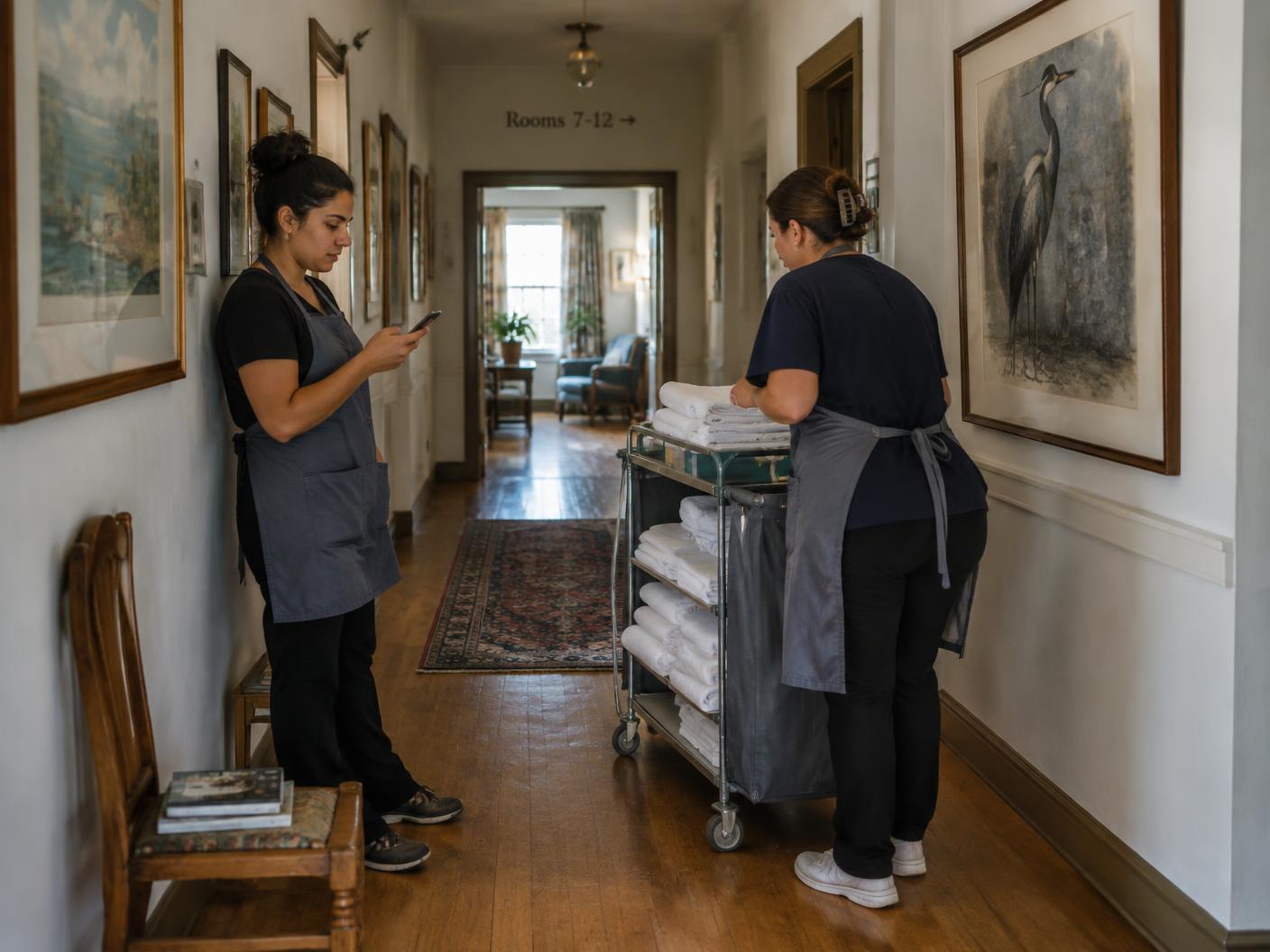
Housekeeping Tasks
Resolve housekeeping needs before they affect the guest.
- Report
- Assign
- Action
- Track
- Complete
- Review
A process for recording and resolving cleaning requirements, missing items, replacements and restocking.
Why it matters
Housekeeping protects your standard and responds before the guest is affected.
What's included
- Cleaning and standards requirements
- Missing items and restocking
- Replacements
- Housekeeping communication
Operational Action
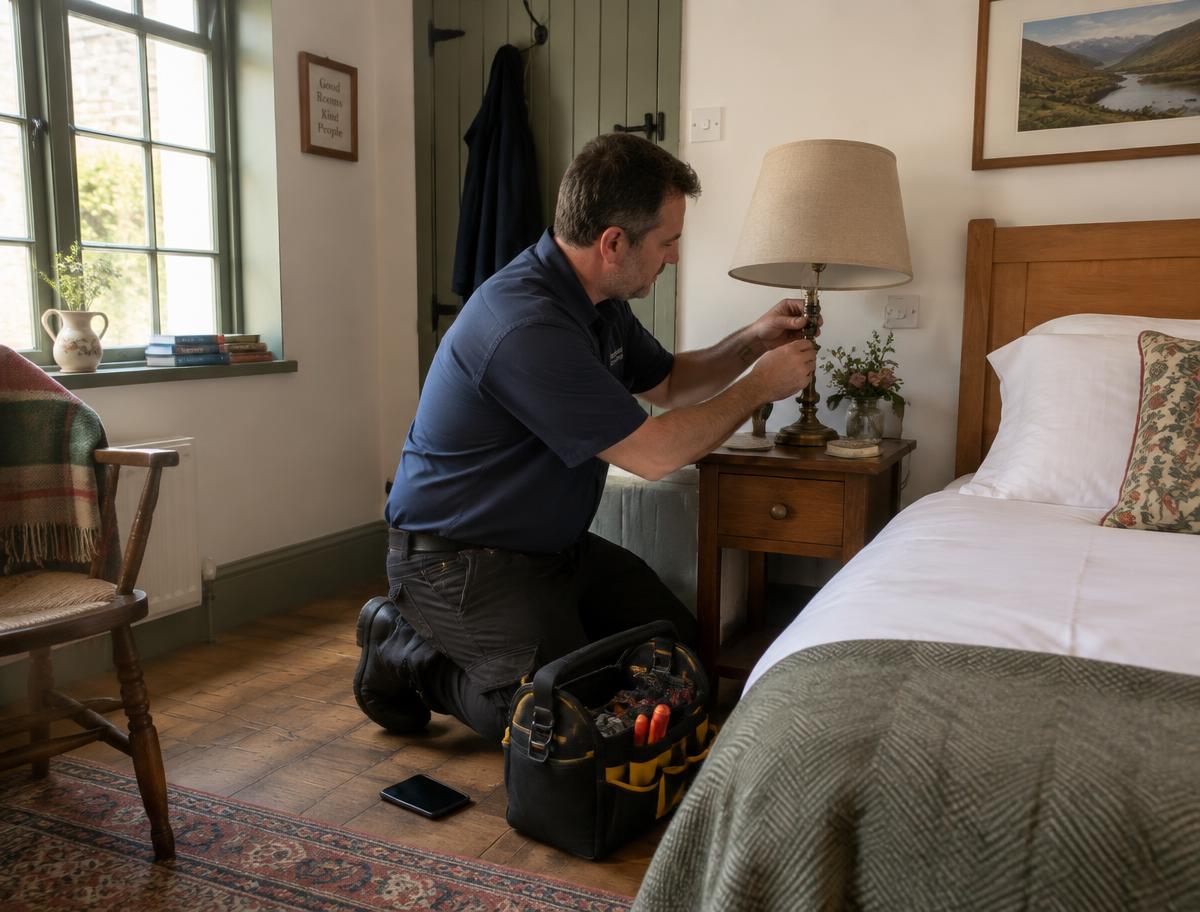
Maintenance Tasks
Route broken, damaged or technical issues to the right team.
- Report
- Assign
- Action
- Track
- Complete
- Review
A process for recording and resolving anything broken, damaged or needing technical repair.
Why it matters
Protects the hotel's physical condition, with a record of each issue, what was done and how long it was open.
What's included
- Photos and location
- Repair and technical requirements
- Sent to the maintenance team
- Repair updates and progress

Operational Action
Lost and Found
Track lost property from discovery to resolution.
- Item logged
- Details & location
- Status tracked
- Manager action
- Return or closure
A record of every lost or found item, followed through to return or closure.
Why it matters
One clear, searchable record of what happened to every item.
What's included
- Item details and location
- Return or closure status
- Manager's action recorded
- Searchable history
How a task moves
Reported. Owned. Done.
- 01
Report
The issue is captured on a phone, with details, photos and location.
- 02
Assign
The right person or team is assigned and the room status is updated.
- 03
Action
Everyone involved stays connected in the task chat.
- 04
Track
Progress is tracked, and purchase requests are approved or declined.
- 05
Complete
The task is marked complete when the work is done.
- 06
Review
Management reviews and closes the task.
Where management sees it
What happens here shows up in Right Swipe.
See what needs your attention.
We'll show you Right Swipe with a day that looks like yours.